
How accurate is GoPro GPS for lap timing?
It's the fair question to ask before you trust your lap times to a camera. How accurate is GoPro GPS, really? The honest answer is good enough for what most racers need, with a couple of caveats worth understanding. How often it measures Recent GoPros record GPS at 10Hz, ten posi...

GoPro Hero 10 GPS: the 18Hz to 10Hz change explained
Yes, the GoPro Hero 10 Black has GPS, and it works well for lap timing. But there's a quirk worth knowing if you're researching this camera. GoPro changed its GPS sample rate partway through its life, and it confused a lot of people. The 18Hz to 10Hz change The Hero 10 launched r...

How to get lap times from a GoPro (no extra hardware)
Your GoPro is already a lap timer. You just can't see it yet. Every time you record a session, a Hero with GPS switched on logs your position about ten times a second, tucked into the video file right next to the picture. That's the same data a transponder or a data logger captur...

RaceChrono vs Harry's LapTimer vs Race Ninja: Which Karting App is Right for You?
Three popular karting apps, three very different approaches. An honest side-by-side comparison of RaceChrono, Harry's LapTimer and Race Ninja for kart racers.

Upload GoPro Videos via Cloud Share Link
Paste a GoPro Cloud share link and Race Ninja downloads the original video with full GPS telemetry directly from GoPro's servers. No phone download, no re-upload, no lost metadata.
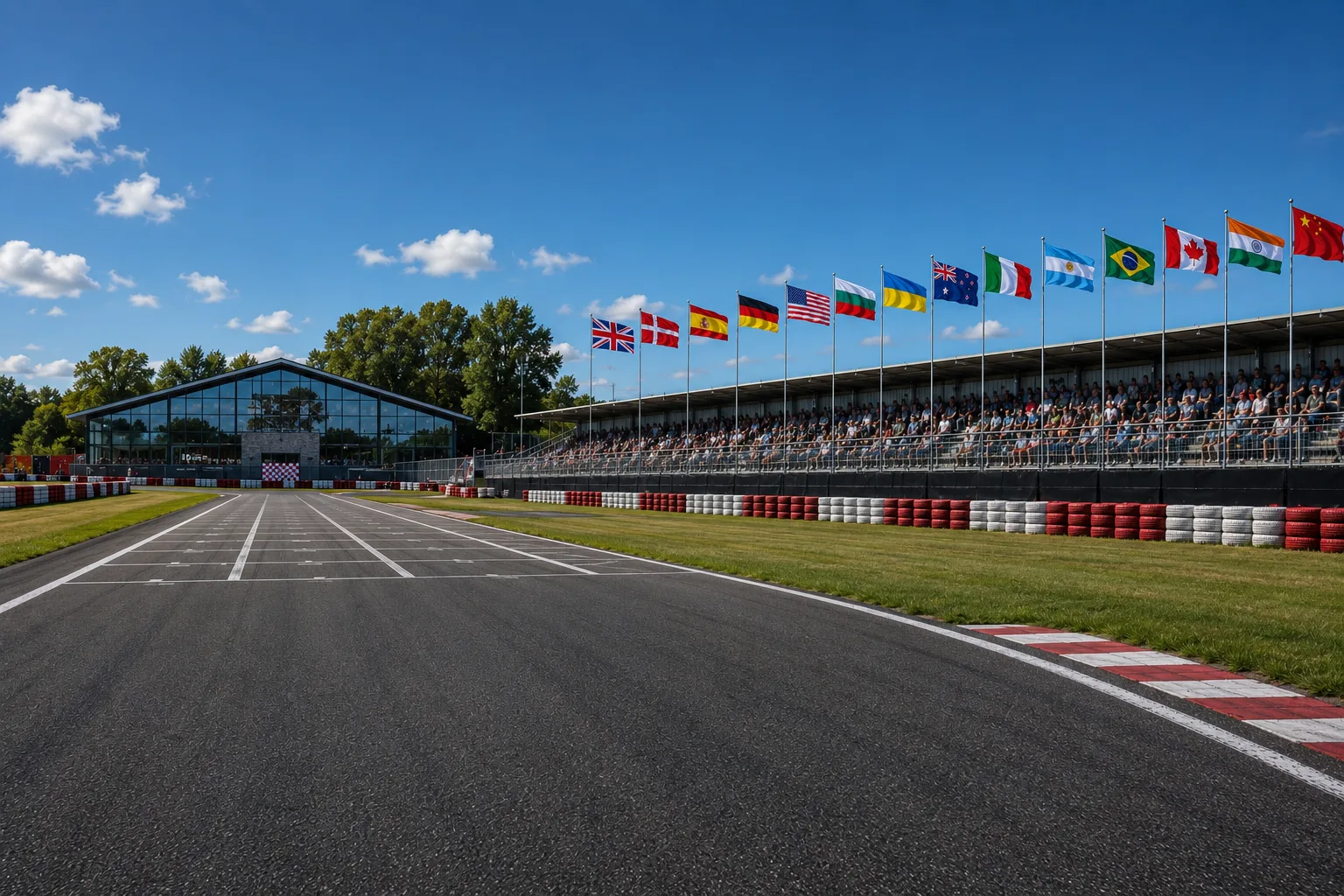
Fourteen Countries, Five Continents, Zero Manual Setup
Race Ninja now covers karting circuits in 14 countries across five continents. Every single track was auto-detected from racer uploads, not added manually. Here's how that happened.

Your GoPro Settings Are Probably Costing You Data
Most racers leave their GoPro on default settings and wonder why their GPS data looks wrong. Here's exactly what to change and the one habit that makes the biggest difference to your analysis.
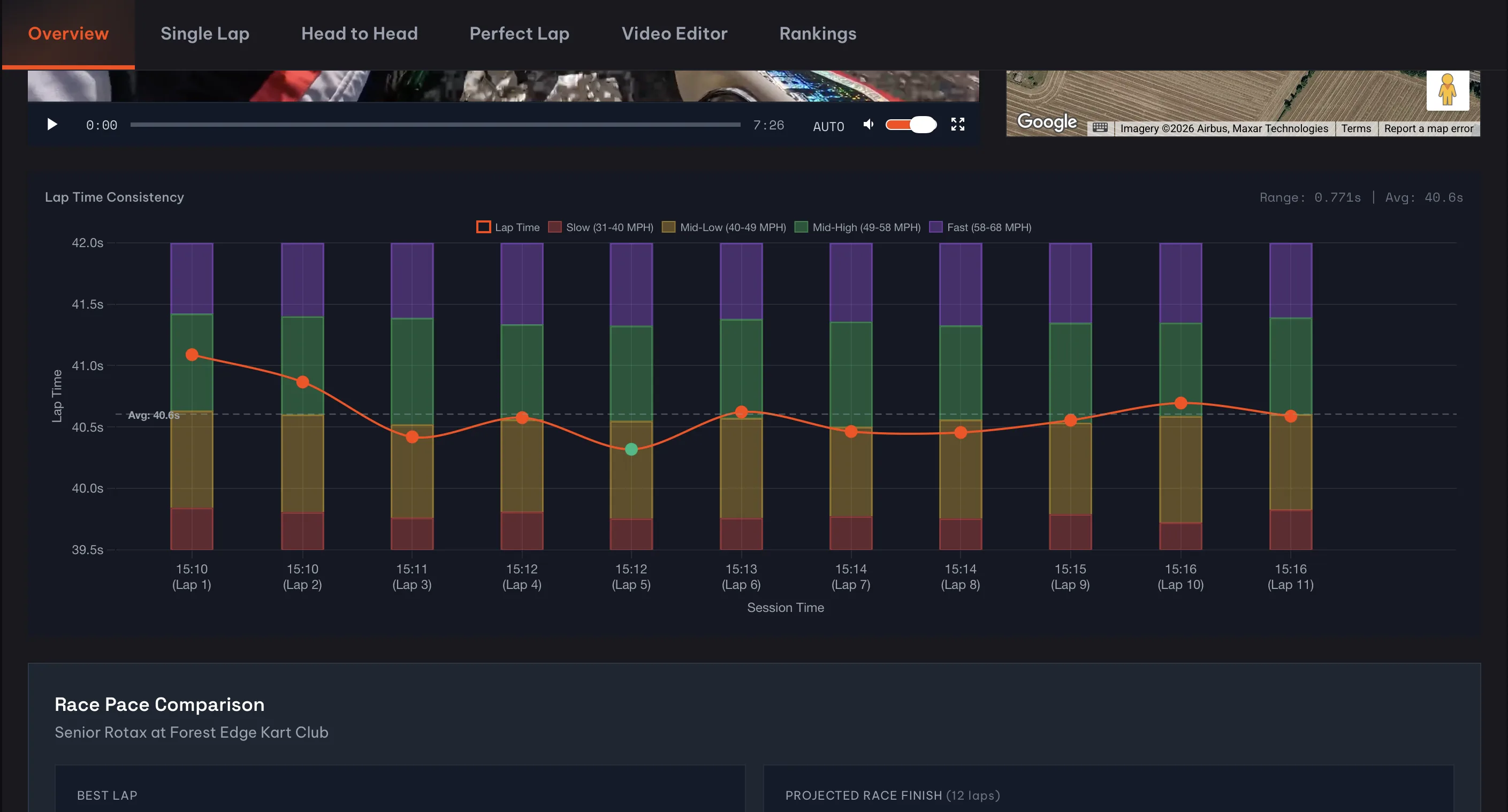
See where your speed drops at a glance
The lap time consistency chart on your Overview tab now shows colour-coded speed zone bars behind each lap, so you can spot patterns in your speed distribution without clicking into individual laps.
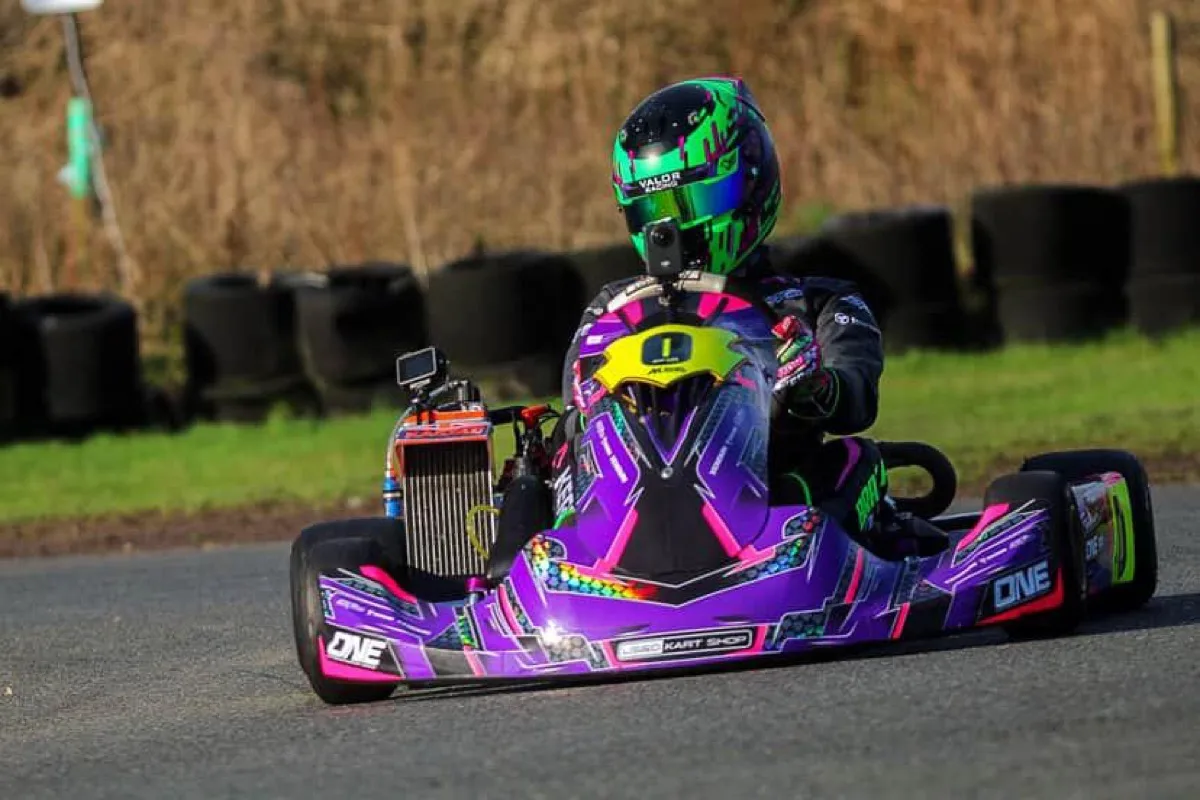
Can You Trust a Karting Analytics Platform with Your GoPro Data?
You're uploading GoPro footage with GPS data in it. It knows where you were, when, and how fast. So who's looking at it? Short answer. Nobody but you.

F1-Grade Analytics for Grassroots Motorsport. Here's How We Price It.
The goal from day one has been simple. F1-grade analytics for grassroots motorsport. Built for club racers, karting families, and track day drivers. From a single GoPro. Here's how pricing works and why.
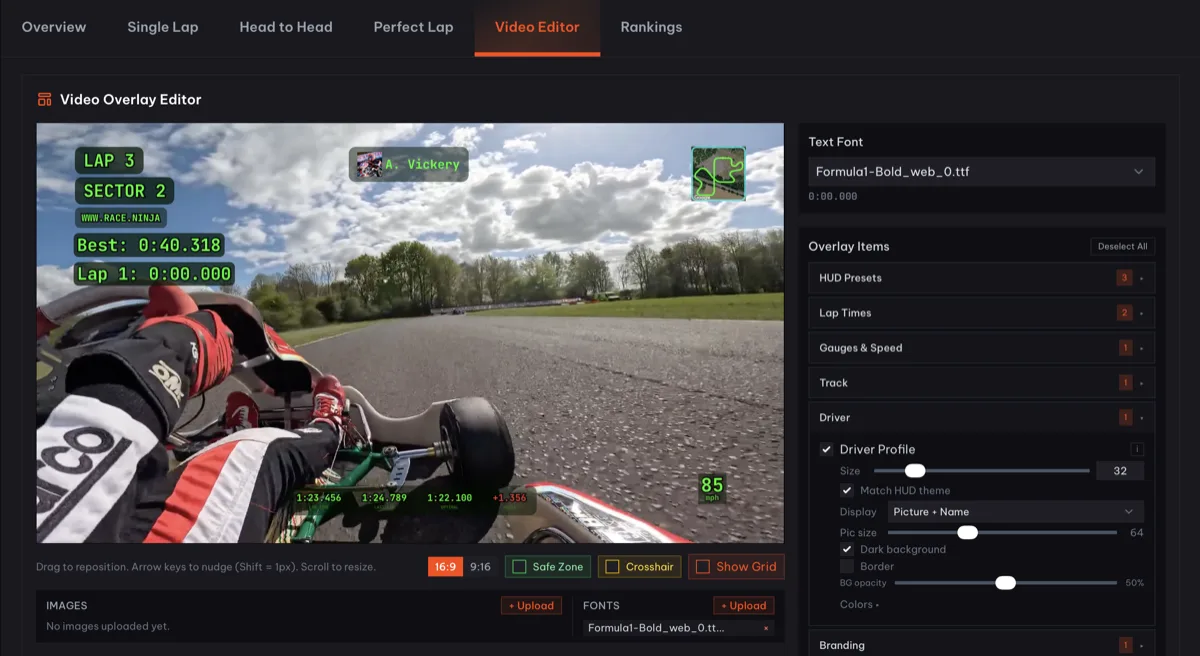
Custom Telemetry Overlays. Any Lap. Any Session.
The video editor in Race Ninja just got a serious upgrade. Build fully customisable telemetry overlays on your GoPro or DJI footage. Speed, braking points, GPS trace, g-forces. Style it how you want, export it, post it. All from the track between sessions.
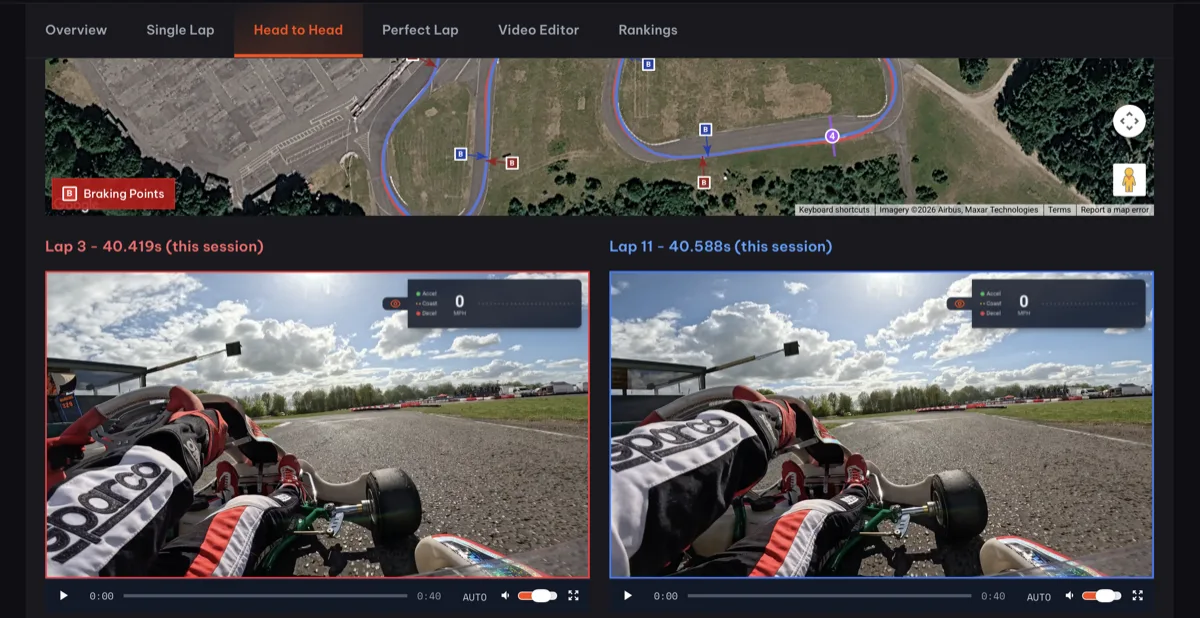
Head to Head. Two Laps. Side by Side. Every Difference Exposed
Pick any two laps from your session. Head to Head plays them side by side with synchronised video and telemetry. You see exactly where one lap gained over the other. Where you braked earlier. Where you carried more speed. Where that tenth was hiding.