You Don't Need Expensive Hardware for Track Day Data
You don't need a Garmin Catalyst or an AiM system. Your GoPro or DJI action camera is already recording GPS, accelerometer, and gyroscope data in every video. Race Ninja extracts it and gives you lap times, racing lines, braking points, and telemetry overlays. No sensors, no data loggers, no powerful computer. Just your camera and an internet connection.
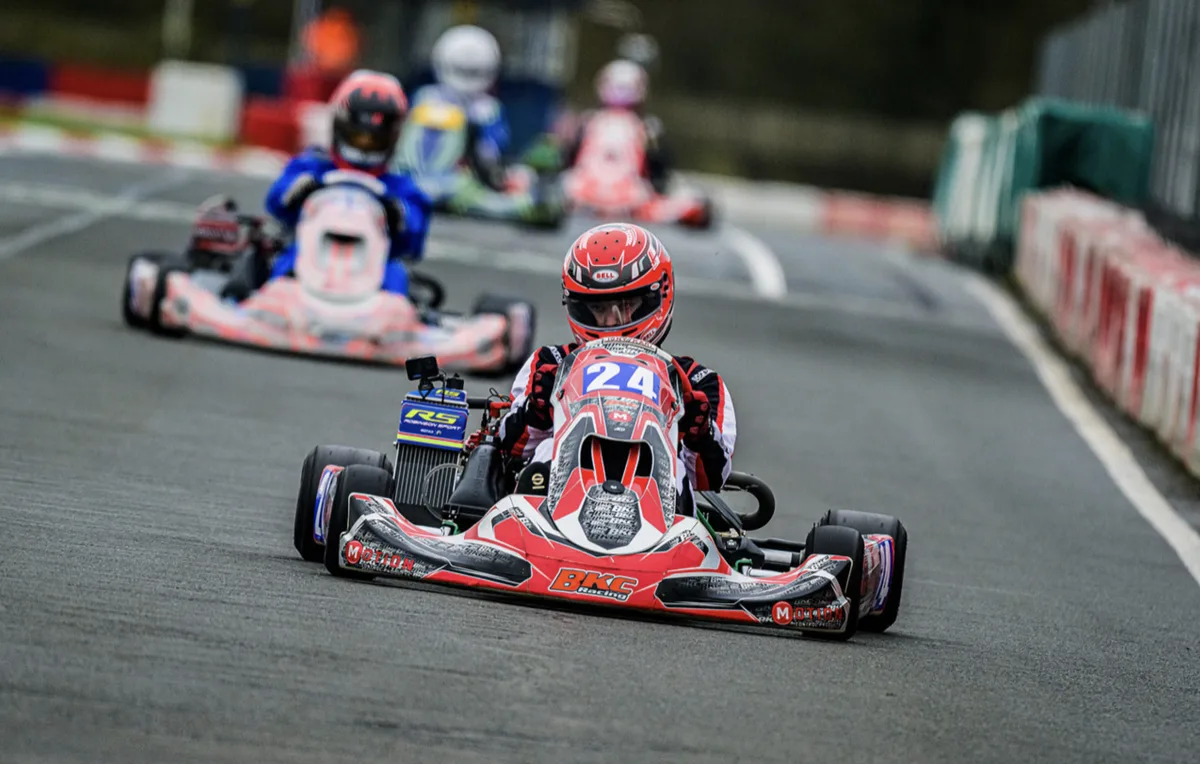
Let's talk about what data analysis costs in motorsport right now.
A Garmin Catalyst runs around £800-900. A full AiM Solo 2 DL with GPS, you're looking at £500+. An Alfano with all the data channels, similar ballpark. Those are solid tools, and if you've got one, Race Ninja works alongside it. Your GoPro gives you GPS telemetry, racing lines, and visual data. A dashboard gives you engine RPM and temperatures. Layer them together and you get an incredibly detailed picture.
These are brilliant tools. But if you're a club racer, a track day driver, or someone karting at grassroots level on a budget, that's a serious outlay on top of everything else this sport costs. Entry fees, tyres, fuel, transport. It adds up fast.
Here's the thing. You've probably already got a GoPro or a DJI action camera mounted to your kart, car, or bike. That camera is recording telemetry data every single session. GPS, accelerometer, gyroscope, all baked into the video file. You're just not using it.
Race Ninja unlocks all of that. Upload your GoPro or DJI footage, and within minutes you get a full lap analysis pack. Telemetry overlays, racing line visualisation, braking point detection, corner speed analysis, performance traces, a Perfect Lap feature that stitches your fastest sectors together, and Head to Head lap comparisons. No extra hardware, no sensors, no expensive data logging system, no powerful computer. All the processing happens on our servers backed by Google Cloud.
Who Is This For?
Whether you're doing club karting, Rotax racing, track days at Brands Hatch or the Nürburgring, hill climbs, or sprint events. If you've got a camera and you want to get faster, this is built for you.
Supported Cameras
We currently support GoPro Hero 5 and above, DJI 360 cameras, and DJI Action Cams. We also support Alfano kart data so you can augment engine telemetry against your video and GPS data.
One note on DJI cameras. They need to be paired to a Bluetooth GPS remote to capture the telemetry data we need. But don't worry, you don't need the official DJI one. Users who helped us develop DJI support have been using this LICHIFIT Bluetooth remote from Amazon which comes in at around £40. Job done.
Buying a Camera
And if you don't already own a camera, the used market is full of great options. A second-hand Hero 9, 10, or 11 will do the job brilliantly and won't break the bank. I always buy mine from CEX in the UK because they give you a 5-year warranty at the time of writing, which is hard to argue with for something you're strapping to a kart or car.
One thing to watch out for though. The GoPro Hero 12 does NOT have built-in GPS, so it won't work with Race Ninja. Hero 9, 10, 11, you're good to go.
So. What camera do you run?
If we support it, let us help you unlock its full potential. Whether that's GoPro lap timing, racing line analysis, braking zone data, or full telemetry breakdowns from your onboard footage. And if we don't support your camera yet, I'm just as keen to hear from you. If you're willing to share a sample video, I'll work with you to build the support for it. This platform grows because of people like you.
Drop a comment. What camera, what do you race, where do you race. Let's see what we can do.
Frequently Asked Questions
Can a GoPro work as a lap timer?
Which GoPro models work for track day telemetry?
How much does karting data analysis normally cost?
Does Race Ninja work with DJI cameras?
Step-by-Step Guide
-
1
Check your camera model
Make sure you have a GoPro Hero 5 through 11, or a DJI 360 or Action Cam. The GoPro Hero 12 does not have built-in GPS and will not work. If you are using DJI, you will need a Bluetooth GPS remote paired to it.
-
2
Mount your camera and record your session
Mount your GoPro or DJI camera to your kart fairing, roll hoop, or helmet. Record your full session. The camera captures GPS, accelerometer, and gyroscope data embedded in the video file automatically.
-
3
Upload your footage to Race Ninja
Go to race.ninja and upload your video file. You can do this from your phone at the track. The platform processes everything on Google Cloud servers so you do not need a powerful device.
-
4
Review your telemetry and lap times
Within minutes you get a full analysis pack. Automatic lap detection, racing lines, braking points, corner speed analysis, performance traces, and your Perfect Lap stitched from your fastest sectors. Compare laps with Head to Head.
0 Comments
Sign in to join the conversation.
Sign InNo comments yet. Be the first to share your thoughts.
More Articles

Tag us in your next video and we'll put it on Race Ninja
Racing on YouTube? Show or mention Race Ninja in your next upload and it can land on our Featured page, with a link straight back to your channel.

The Race Ninja app is open. Your phone carries the footage, we do the thinking
The Race Ninja app for iPhone, iPad and Apple silicon Macs is open to everyone through TestFlight. It shrinks your footage in the paddock, sends it up, and your analysis comes back in about a minute a lap.

GoPro Cloud links are importing again, chapters and all
GoPro Cloud share link imports have been broken since early August. They work again from today, and long sessions that split into chapters now come across as one analysis.